Best AI Video Ad Services for DTC Brands (2026 Comparison)
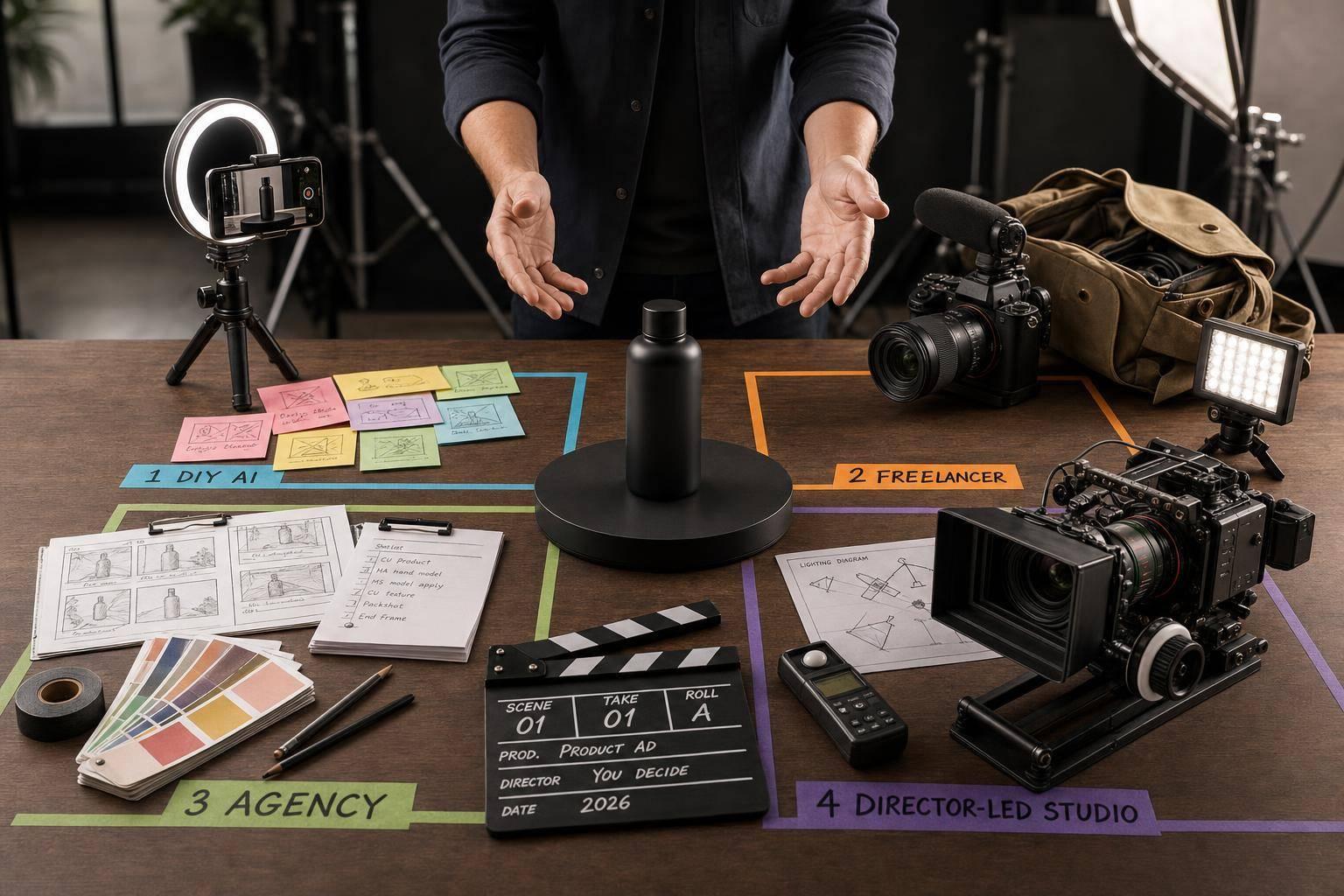
Most DTC brands do not need the same AI video setup. If I wanted low-cost testing, I’d look at Creatify, Arcads, or HeyGen. If I wanted polished finished ads with very little team time, I’d look at Elizaveta Tskhovrebova’s studio. If I needed scale plus account support, I’d look at freelancers or agencies. And if I wanted cinematic edits, I’d look at Runway.
Here’s the short version:
- Winning paid social ads often fade in 7 to 14 days
- Only 5% to 10% of tests turn into winners
- Self-serve tools can cost about $1 to $10 per video
- Freelancers often cost about $150 to $800 per ad
- Agencies often start around $3,000/month
- Done-for-you studio work cuts the most team effort
So the choice is simple: pay less and do more yourself, or pay more and hand off production.
I’d break the options down like this:
- Elizaveta Tskhovrebova: done-for-you ads, about 72-hour turnaround
- Creatify: bulk testing, URL-to-video, up to 50 variants
- Arcads: strong AI actor realism, but mostly talking-head output
- HeyGen: spokesperson videos and 175+ languages
- Runway: polished video generation, but more manual work
- Freelancers: human editing and flexible support
- AI agencies: higher monthly spend, more full-service support
Bottom line: if your team has time, tools can work. If your team is stretched, done-for-you help usually makes more sense.
Quick Comparison
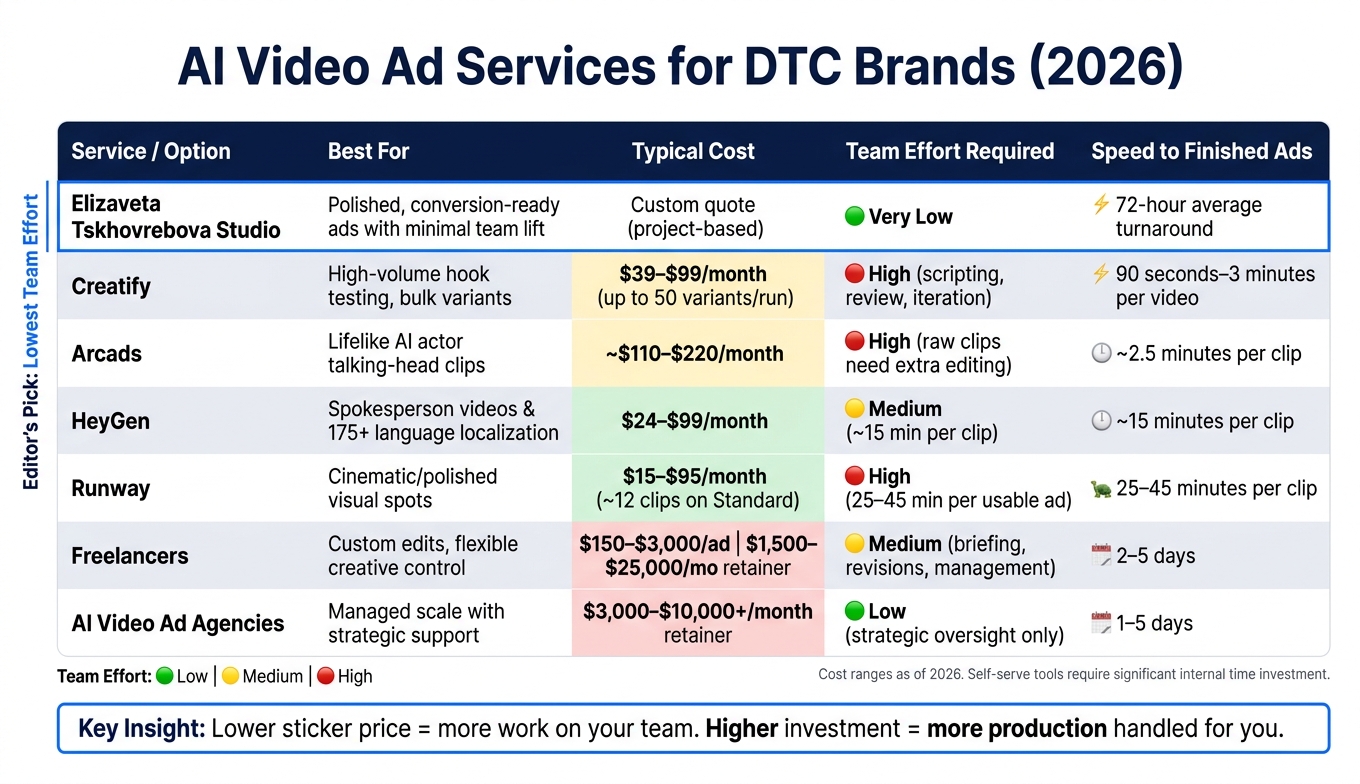
AI Video Ad Services for DTC Brands: Cost, Speed & Effort Compared (2026)
| Option | Best for | Cost | Team time | Main limit |
|---|---|---|---|---|
| Elizaveta Tskhovrebova | Finished ads with low lift | Custom quote | Very low | Lower volume than DIY tools |
| Creatify | Bulk ad testing | $39 to $99/month | High | Scripts and review still on you |
| Arcads | Lifelike AI actors | About $110 to $220/month | High | Exports need extra editing |
| HeyGen | Spokesperson videos and translation | $24 to $99/month | Medium | Not built for full ad production |
| Runway | Polished visual spots | $15 to $95/month | High | Manual workflow takes time |
| Freelancers | Custom edits and flexible output | $150 to $3,000/ad | Medium | Quality varies by person |
| AI agencies | Scale with support | $3,000 to $10,000+/month | Low | Higher monthly cost |
If I were picking fast, I’d use cost, speed, output quality, and team workload as the four filters.
sbb-itb-f51e864
1. Elizaveta Tskhovrebova - AI Video Production Studio
Elizaveta Tskhovrebova runs a director-led AI video studio that takes projects from concept to final delivery for DTC ads, UGC, explainers, and short-form social content. The studio has worked with 36+ brands and delivers work in an average of 72 hours. For brands that want conversion-focused creative without learning new tools or dealing with a full agency setup, this is the done-for-you route. If your team wants finished assets without handling prompts, revisions, or production logistics, this is the most hands-off option.
Ad-Ready Output
The main edge here is directorial control. The studio uses AI as a production tool, not a one-click generator. That means the team controls lighting, lensing, pacing, and sound instead of letting the tool make every call. For high-ticket DTC brands with an AOV above $100, that matters. Visible AI artifacts can damage trust and purchase intent.
Testing Volume
For paid social teams, the big question is simple: can this support weekly testing? The 72-hour turnaround makes that possible. Teams can move through new ideas fast without piling more production work onto internal staff.
Internal Time Required
Your team’s job is mostly to approve direction and review revisions. That’s a much lighter lift than working with larger agencies, where briefing to production often takes 2 to 4 weeks.
Pricing
Pricing is custom and based on the brief. Unlike agency retainers, this is project-based rather than monthly.
If your team wants lower-cost volume and can handle creative inputs in-house, the next option is self-serve tools.
2. Creatify
Creatify is built for high-volume testing. Its main draw is a URL-to-video pipeline: paste in a Shopify or Amazon product link, and the tool pulls from the page to draft a script, pick an avatar, and turn out a finished video in about 90 seconds to 3 minutes.
That speed is the point. Creatify is a volume tool, not a hands-off production service. You can make a lot of variants fast, but your team still has to handle scripting, review, and iteration. It works best for teams that already have strong in-house taste and want to move through tests fast.
Ad-Ready Output
The platform includes 1,500+ AI avatars and supports 9:16, 1:1, 4:5, and 16:9 for Meta, TikTok, and YouTube Shorts. Avatar quality is mixed. Standard avatars can feel a bit synthetic, while the ultra-realistic tier performs much better for flagship ads.
Testing Volume
Batch mode lets you generate up to 50 variants in a single run, which makes it much easier to test different hooks, scripts, and avatars without dragging the process out.
Brand Time Required
Quick mode is fast for first drafts. But speed doesn't remove the work. Auto-generated scripts often need cleanup to sound like your brand, and Pro gives you more hands-on control over B-roll, text, and transitions.
So yes, Creatify can save time on production. But your team still needs to be in the weeds with scripting, review, and iteration. Compared with a done-for-you setup, that's a real lift.
Cost Model
Creatify runs on credits, and high-volume testing can eat through them fast.
| Plan | Monthly Price | Credits/mo | Notes |
|---|---|---|---|
| Free | $0 | 10 | Watermarked, limited avatars |
| Starter | $39 | 100 | Watermark removal, full avatar library |
| Pro/Business | $89–$99 | 200–250 | Batch generation, priority rendering |
| Enterprise | Custom | Custom | API access, custom brand avatars |
Each video costs 2–10 credits, depending on length and avatar quality, and unused credits usually expire every one to two months. That can add up fast. A 5 actors × 5 hooks test can burn 75 credits in one session and almost wipe out a Starter plan.
If your team is putting out 100+ variants per month, you'll usually need Pro or Business.
If you want more human judgment and less in-house editing, the next option is freelancers and independent AI experts.
3. Arcads
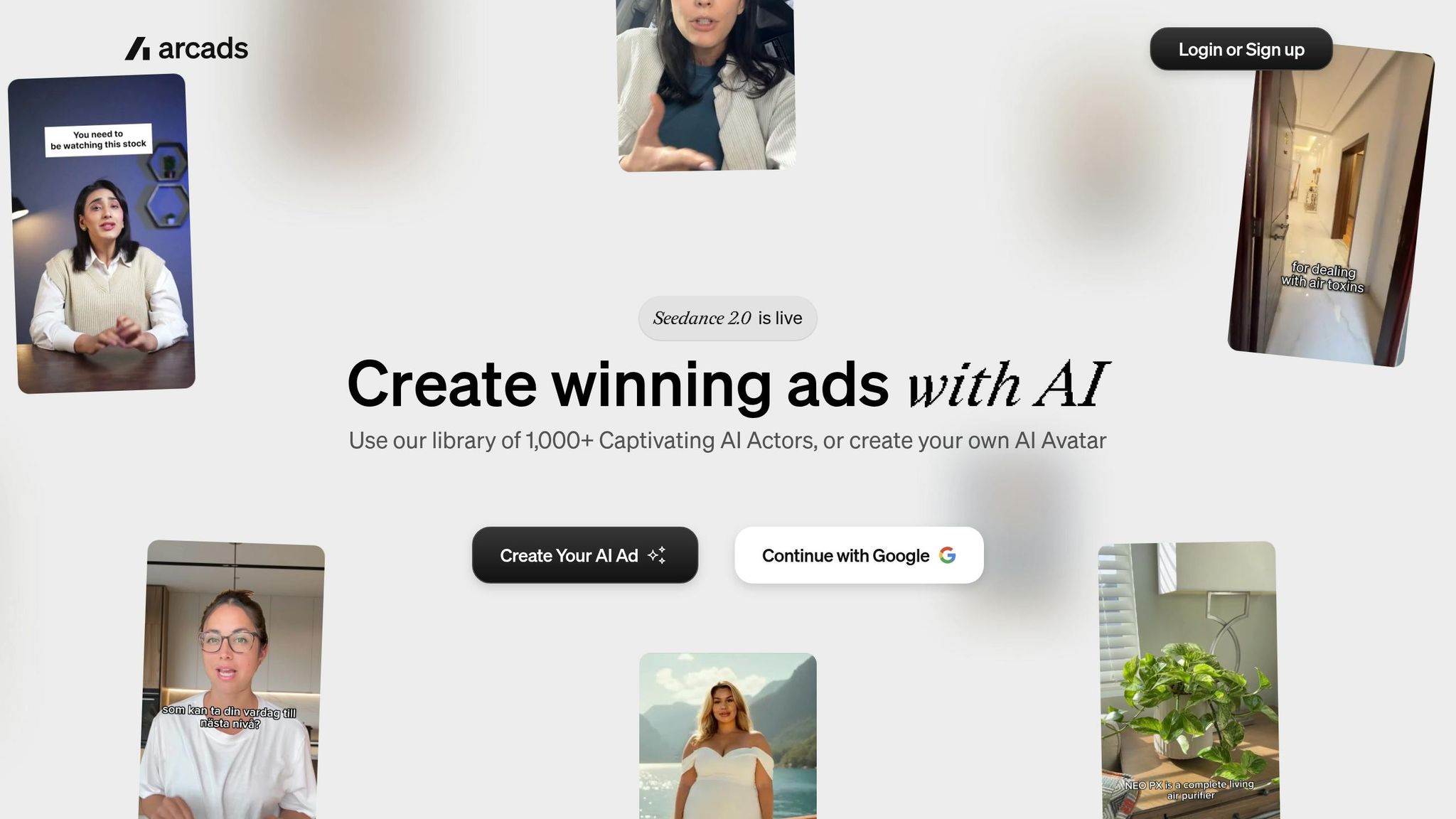
Arcads stands out when actor realism matters most. It leans into AI talking-head clips that look as close to real human UGC as possible. That makes it a strong fit for brands that care more about believable on-camera delivery than an all-in-one ad workflow. If your team still wants a human editor to finish the job after the AI clip is made, this is where Arcads starts to show its limits.
Ad-Ready Output
Arcads creates strong talking-head clips, and its library of 300+ to 1,000+ licensed AI actors gives brands a lot of faces to test. The catch is simple: Arcads exports raw talking-head clips. So if you want music, captions, or B-roll, your team will need to add those in another editor before the ad goes live.
Testing Volume
Arcads supports bulk generation and can make about 10 variants at a time. That’s fine for hook testing or actor testing, but it’s not a great match for high-volume creative sprints. Once scripts are ready, each clip renders in about 2.5 minutes.
Brand Time Required
Arcads is not a plug-in-a-URL-and-go tool. The brand still needs to bring the script.
Cost Model
Arcads runs on credits, and there’s no public pricing page or free trial. Starter costs about $110/month for 10 videos, while Creator costs about $220/month for 20 videos plus AI captions and background removal. Pro and Studio plans are built for higher-volume use and API access. One thing to watch: credits do not roll over.
When realism is close but the final polish still calls for human editing, independent AI ad experts can help close that gap.
4. HeyGen
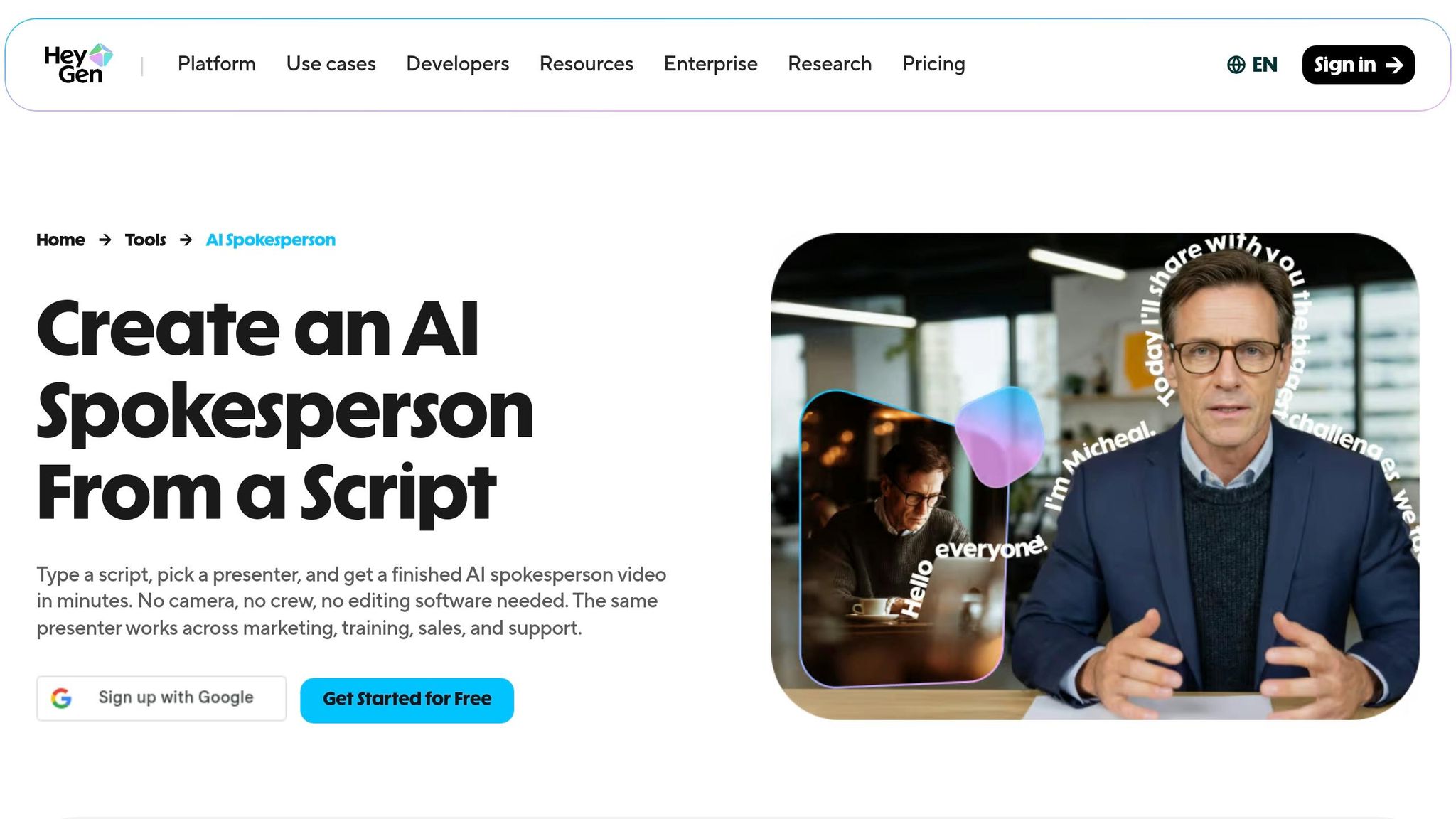
Arcads leans more toward raw, lifelike clips. HeyGen goes in a different direction: polished spokesperson videos and localization.
That distinction matters. HeyGen is a production tool for spokesperson videos and localization, not a managed AI ad service. Its main strengths are a library of 1,100+ AI avatars and strong video translation. It does not handle end-to-end ad production. For DTC brands, it tends to work best when you want a clean spokesperson-style video, not a full ad workflow from start to finish.
Ad-Ready Output
HeyGen does a good job with talking-head videos. The catch is that the final look is more polished than native UGC, so it fits spokesperson ads better than rough, UGC-style creative.
It also has one clear limit: product compositing. In plain English, HeyGen can’t put a product into an avatar’s hand.
Where it pulls ahead is video translation. You can upload one English master ad, then use HeyGen to dub it into 175+ languages and dialects with natural lip sync, without reshooting. If a brand is pushing into new countries, that can save a lot of time.
Brand Time Required
HeyGen is fairly easy to pick up, but it still asks your team to do the scripting and video assembly by hand. A finished talking-head video usually takes about 15 minutes per clip.
Cost Model
The Creator plan costs about $24–$29/month. It comes with 15 credits, 1080p export, and access to 175+ languages. Based on that setup, the cost lands at about $1.93 per video.
The Pro plan is about $99/month. It adds 4K export and extra features, including Custom Digital Twin, which lets you clone a real spokesperson. There’s also a free tier, but the output includes a watermark.
HeyGen makes the most sense for global DTC brands that want to localize a winning ad fast. It’s a weaker fit for teams that need lots of hook testing or a built-in ad workflow right out of the box. If your team wants more custom editing or ad-focused guidance, the next options move further away from self-serve tools.
5. Runway
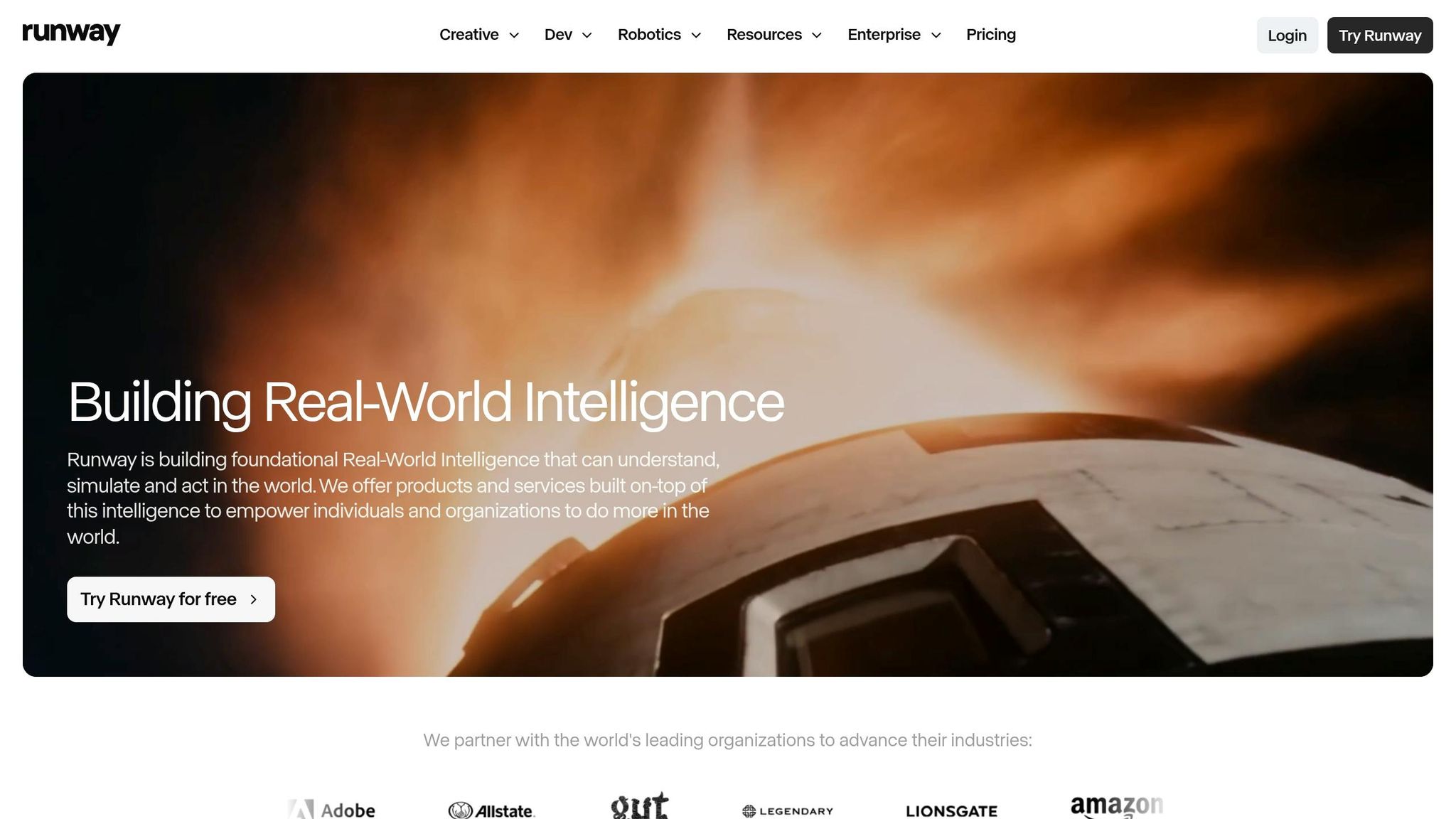
Runway is a pro-level post-production suite built for cinematic output, not high-volume ad testing. So it fits creative teams better than brands that want finished ads ready to buy against.
Ad-Ready Output
Runway's visuals are impressive. Gen-4 and Gen-4.5 can produce high-fidelity footage with strong temporal consistency, which means product shots are less likely to flicker or warp in the middle of a clip. And tools like Motion Brush let you animate one part of an image while keeping the rest of the frame steady.
That said, the output often looks polished. That style can work well for YouTube pre-roll or a brand hero spot. But for TikTok or Reels, it can be a weaker match, since more candid-looking ads often blend into the feed better.
"Runway's polish can also hurt on TikTok. Feeds that reward candid punish produced, and Gen-4.5 output reads produced." - Alex Montas Hernandez, Founder, The Remarkable Agency
There’s also a workflow gap here: Runway lacks built-in synced audio in most setups, so you’ll usually need a separate step for voiceover or lip-sync before the clip is ready to run.
Brand Time Required
For DTC ad teams, the main issue isn’t image quality. It’s turnaround time.
Runway costs more in time than in monthly price. A single usable ad usually takes 25–40 minutes to produce before scripting, voiceover, captions, or editing are even added. Once you add those parts, the real production time is closer to 45 minutes.
That’s the problem for high-volume testing. If your team is trying dozens of hooks, angles, and offers, that manual work adds up fast. Each usable ad still needs scripting, voiceover, captions, and edits, so the time drain becomes the main cost.
Cost Model
Runway’s Standard plan costs $15/month and includes 625 credits, which comes out to about 12 ten-second clips before you need more credits. The Unlimited plan costs $95/month and removes per-clip credit limits.
Gen-4.5 uses about 12 credits per second of video. In practice, a single 5-second clip can cost around $10–$15 in credit value once re-rolls are factored in.
Runway works best when visual control matters more than production speed. For most DTC teams, though, it’s still too manual for finished, launch-ready ads. If your team needs less editing and a faster path to live ads, the next options add more human production support.
6. Freelancers and Independent AI Ad Experts
Freelancers and independent AI ad experts sit in the middle ground between self-serve tools and agencies. You get more human judgment than software alone, but less process and lower cost than a retainer setup. Once volume, coordination, or strategy starts to outgrow one person, that’s usually when an agency becomes the better fit.
Ad-Ready Output
A skilled freelancer using AI tools can turn around a polished ad in 15–30 minutes per clip. That sounds fast, and it is. But there’s a catch: output can vary a lot from one freelancer to another.
Why? It often comes down to the operator’s taste, tool stack, and review habits. Some freelancers have a sharp eye and a clean workflow. Others don’t. Direct API setups often lead to cleaner output than no-code wrappers, while lower-end avatar tools can make ads look unnatural in ways that quietly hurt performance.
Testing Volume
Independent experts can usually produce 20–40 variants per week. That makes them a good match for brands that want to test new ads every week without stepping up to an agency model.
Past 40–60 ads per month, though, one freelancer often stops making financial sense.
Brand Time Required
Freelancers remove some of the tool hassle, but they don’t remove the need for brand input. You still need to:
- write tight briefs
- share brand guidelines
- review output for platform-specific compliance
As Daniel Rozin, CMO at AdGPT.com, put it:
"AI handles production speed and format execution, but the strategic inputs - audience insight, hook concept, value proposition, and brand voice - still require human judgment."
That quote gets to the heart of it. AI can help make the ad. It can’t decide what the ad should say or why people should care.
Cost Model
Pricing changes based on seniority, revision load, and rights usage.
| Service Level | Per-Video Rate | Monthly Retainer |
|---|---|---|
| Entry-level | $150–$300 | $1,500–$2,500 |
| Mid-tier | $500–$800 | $3,000–$6,000 |
| Senior/Expert | $1,500–$3,000 | $8,000–$25,000 |
One cost that often slips past brands is usage rights. Freelancer contracts often leave them out by default, and perpetual rights can add 100%–150% to the base rate.
This path tends to work best for brands that need 10–30 variations per month and want more hands-on creative oversight than a self-serve tool can offer. If most of the retainer is going toward production and platform adaptation, the setup is usually not cost-efficient.
If you need multiple specialists, tighter project management, and deeper strategic oversight, agencies are the next step.
7. AI Video Ad Agencies
An AI video ad agency rolls production, strategy, brand guardrails, compliance, and creative direction into one retainer. This setup makes sense when you need output and process ownership, not just raw production. That said, you still need brand QA before anything goes live.
Ad-Ready Output
These agencies deliver platform-ready exports and handle compliance checks. They also keep up with policy changes and manage compliance on an ongoing basis. That review work takes time, and it adds real overhead.
Testing Volume
AI agencies usually support 30–85+ variants per month with a 1- to 5-day turnaround. A traditional retainer, by comparison, often covers 8–12 concepts per month.
Brand Time Required
You still need to brief the team, align on direction, and approve the work. The agency takes care of scripting, production, adaptation, and compliance. But there's a catch: if most of the retainer is going toward production and formatting, the model starts to feel inefficient.
Cost Model
| Agency Type | Cost Per Video / Asset | Typical Monthly Spend |
|---|---|---|
| Performance agency | $100–$500 per video | $3,000–$10,000 |
| Hybrid / Tier 2 agency | $1,500–$5,000 per asset | Varies, often 4–8 assets/month |
| Full-service brand agency | $1,000–$16,000 per video | $15,000–$50,000 |
Consistent support often costs $60,000 to $100,000+ per year.
If you want this level of outsourcing with less retainer overhead and tighter creative direction, the next section covers director-led done-for-you AI ad studios.
8. Director-Led Done-for-You AI Ad Studios
For brands that want finished, conversion-focused creative without piling more work onto the in-house team, this is about as close as it gets. The setup is simple: a creative director handles the AI ad process from start to finish, and your team gets finished ads instead of another system to run.
Elizaveta Tskhovrebova's studio is a good example of this model. The workflow covers concept, script, editing, grading, audio polish, and final delivery. So DTC brands aren't just getting access to AI tools. They're getting direction, editing, and ads that are ready to use.
Ad-Ready Output
Human QA helps turn rough AI output into launch-ready creative. That matters because creative quality drives 56% of sales lift, and weak AI can lower purchase intent for higher-AOV products.
Testing Volume
This model is built for speed, but it still has human direction behind it. With a 72-hour average turnaround, director-led AI workflows can produce 30 to 50 video variants overnight. For DTC brands, that means more shots on goal without asking the team to learn or run the tools themselves.
That speed also matters on Meta, where creative fatigue is setting in about 30% faster than it did in 2023.
Brand Time Required
Your part is mostly up front. You brief the project, align on direction, and approve the work. After that, the studio handles production with little brand-side effort.
In plain English: you don't have to manage tools, sort through every AI output, or rebuild assets for different placements. The studio takes on most of that day-to-day production load.
Cost Model
That level of production control also makes the pricing a better fit for campaign-based work. Brands pay by campaign, so the cost is tied to production and direction instead of a monthly retainer.
That means pricing scales with the campaign itself, not with agency hours that might never get used.
Pros, Cons, and Cost Tradeoffs Side by Side
Here’s the fastest way to compare the main paths side by side.
| Path | Best For | Typical Cost | Internal Effort | Output Consistency | Speed to Finished Ads | Ideal Formats |
|---|---|---|---|---|---|---|
| Self-Serve AI Tools (Creatify, HeyGen, Arcads, Runway) | High-volume hook testing, low budgets | $1–$10 / video in tool spend | High - prompting, editing, quality checks | Variable; awkward faces and text errors are common risks | Minutes to hours | 9:16, 1:1 |
| Freelancers | Custom edits, one-off creative control | $50–$300 / ad | Moderate - briefing, revisions, management | High | 2–5 days | All formats |
| AI Video Ad Agencies | Managed scale, conversion optimization | $100–$500 / ad; retainers $3,000–$10,000/mo | Low - strategic oversight only | High | 1–5 days | All formats |
| Director-Led Done-for-You (Elizaveta Tskhovrebova) | Polished, conversion-ready assets without managing tools | Contact for quote | Very low - brief, approve, done | Very high; human-directed end-to-end production | 72-hour average turnaround | All formats, every aspect ratio |
One pattern jumps off the page: the lower the sticker price, the more work usually lands on your team.
DIY tools can look cheap at first. But the hidden cost is time spent prompting, fixing errors, checking outputs, and piecing everything together. That labor adds up fast.
The director-led model takes that work off your plate and delivers finished ads. That includes concept, script, editing, color grading, sound design, and delivery across every aspect ratio. For DTC brands that want completed ads without learning tools or taking on a monthly retainer, this path cuts down the most day-to-day production work while keeping the whole process handled from start to finish.
Use the comparison below to line up each option with your budget, output needs, and team bandwidth.
Which Option Fits Your Brand?
After lining the options up side by side, the right pick mostly comes down to budget, how often you test, and how much time your team can spare.
If you're an early-stage founder doing low-budget testing, self-serve tools like Creatify or HeyGen are often a solid starting point. You can get going for under $50/month, but there’s a catch: your team still needs to handle the prompting, review, and back-and-forth edits.
If you're a growth-stage team spending $10,000+ per month on ads, many brands stop doing everything themselves and start working with freelancers, agencies, or a director-led service. At that level of spend, creative quality usually matters more than software price. Freelancers tend to charge $50 to $300 per ad, while agencies usually land in the $3,000 to $10,000+ per month range.
If your team wants the least internal lift, a director-led done-for-you service is usually the better match. That’s often the case when there’s no room to manage production, no appetite for long revision cycles, and a clear need for ads that stay on-brand. Elizaveta handles the concept, script, production, finishing, and delivery. You brief the project, approve the direction, and get finished ads.
For side-by-side tool comparisons and output quality, see our guide to the best AI video ad generators tested for DTC brands. If your focus is UGC-style ads, the AI UGC video guide goes deeper on format strategy. And if you want a clearer view of how production costs stack up across the funnel, the AI video marketing production benchmarks article breaks down the numbers.
Need finished ads without managing production? Work with Elizaveta's studio.
FAQs
How many ad variants do I really need each month?
A solid baseline for 2026 is 10 to 20 new ad variants each month.
Brands pushing for faster growth often test 20 to 40 in a weekly batch. And once campaigns hit scale, it’s common to produce 50+ per month just to keep up with testing needs and platform demand.
The right number comes down to one thing: how fast you need to iterate. If you’re putting out fewer than three variants a month, your production pipeline is probably the choke point.
When should I stop using DIY tools and outsource?
Consider outsourcing once your monthly ad spend goes past $10,000, or when more than 55% of your agency retainer is being eaten up by production and platform adaptation instead of strategy.
DIY AI tools are great for fast tests. But there’s a point where doing it all in-house starts to get messy. If brand governance, strategic direction, or compliance are getting too hard for your team to manage, it’s probably time to bring in outside help.
In many cases, a hybrid setup works best. Use AI for rapid ad testing, then bring in an expert or agency for high-stakes campaigns where the cost of getting it wrong is much higher.
What should I prepare before hiring an AI ad service?
Prepare a structured creative brief. AI isn’t a magic button - what you get out depends on what you put in.
Start with the basics: define your product truth, the main hooks, platform-specific specs, brand guardrails, and your call-to-action logic. If those pieces are vague, the output usually gets vague too. Garbage in, garbage out still applies.
Your brief should also leave room for testing. Don’t build it around just one asset. Build it so you can make multiple variants from the same core direction.
A solid brief usually covers:
- Product truth: What the product is, who it’s for, and why someone should care
- Key hooks: The angles most likely to grab attention
- Platform specs: Size, format, length, and channel needs for each platform
- Brand guardrails: Voice, visual rules, claims to avoid, and must-include elements
- CTA logic: What action you want, and how that action should change by audience or funnel stage
- Testing plan: Variants for hooks, visuals, copy, offers, and CTAs
Think of it like giving a director a shooting script instead of saying, “Make something good.” The more clear the setup, the better the output.
And one more thing: plan for multiple versions from day one. That might mean one message with three hooks, two CTA angles, and a few format cuts for different placements. That’s how a brief becomes useful in practice - not just on paper.
Need video like this for your brand?
UGC, commercials, explainers and cinematic — directed with AI, finished like a studio.
Start a project →